
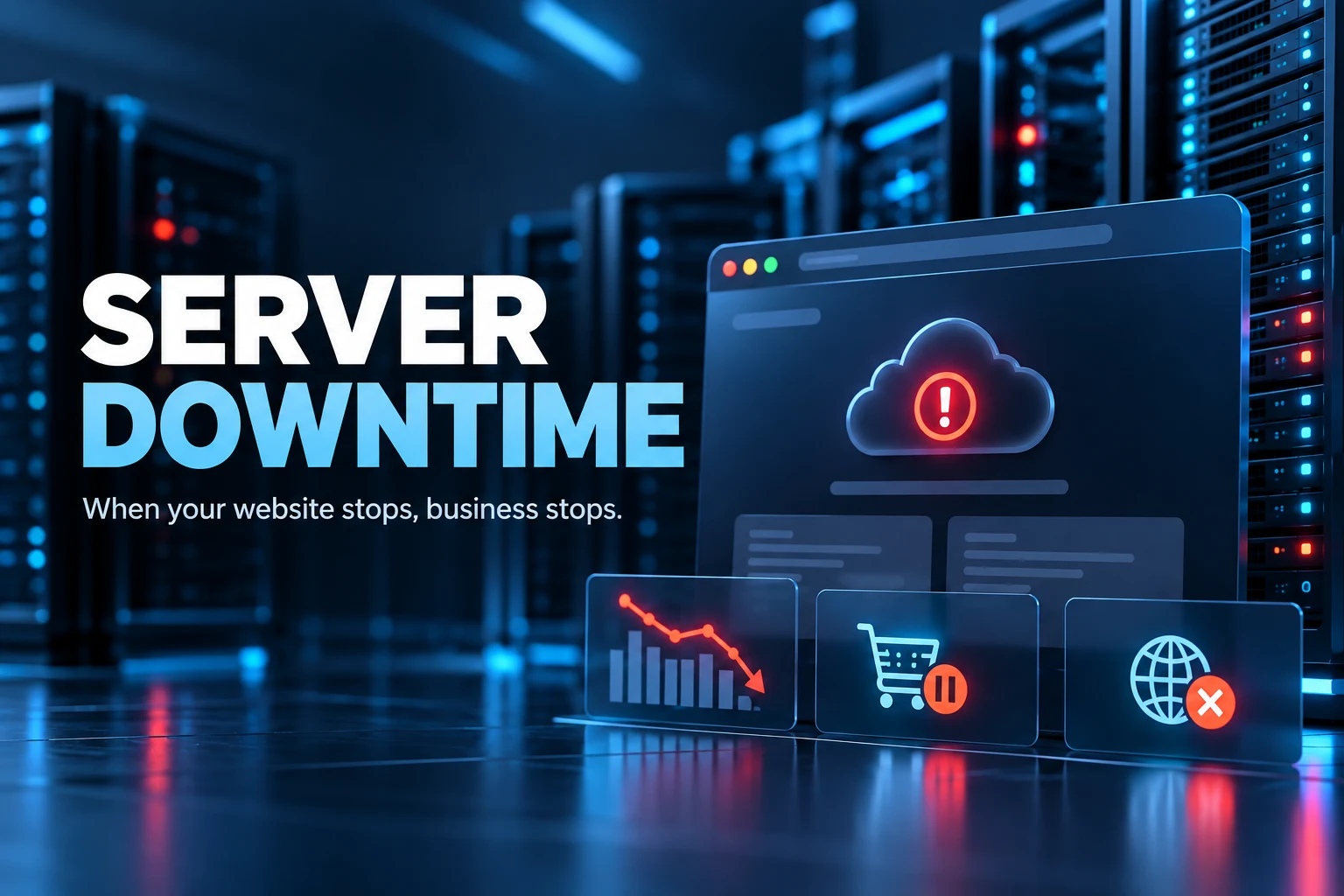
What Is Server Downtime and How Does It Affect Your Business?
Imagine a customer visiting your website to explore your services or place an order, only to find that the website is unavailable. Even a short interruption can lead to missed opportunities, frustrated customers, and potential revenue loss.
This situation is known as server downtime. For businesses that rely on their websites, applications, or online services, understanding downtime is essential to maintaining a reliable digital presence.
What Is Server Downtime?
Server downtime refers to a period when a server is unavailable or unable to deliver its intended services. During this time, your website, application, email service, or other online resources may become inaccessible.
Downtime can last from a few seconds to several hours, depending on the cause and how quickly the issue is resolved.
For example, if your e-commerce website becomes unavailable during a major sale, customers may be unable to browse products or complete purchases. Similarly, a business website experiencing downtime may prevent potential clients from contacting your team.
What Causes Server Downtime?
Server downtime can happen for several reasons. Understanding these causes helps businesses take preventive measures.
- Hardware Failures
Servers depend on physical components such as storage drives, memory, and power supplies. When these components fail, the server may stop functioning correctly.
- Software Issues
Operating system errors, incompatible updates, faulty applications, or software bugs can interrupt server operations.
- Unexpected Traffic Spikes
A sudden increase in website visitors can overwhelm server resources, causing slow loading, errors, or temporary unavailability.
- Cyberattacks
Attacks such as Distributed Denial-of-Service (DDoS) attacks can flood a server with excessive traffic, making legitimate requests difficult to process.
- Network and Power Problems
Internet connectivity issues, power interruptions, or data centre infrastructure problems can also make hosted services unavailable.
- Poor Maintenance
Outdated software, insufficient monitoring, and delayed security updates can increase the risk of avoidable service interruptions.
How Does Server Downtime Affect Your Business?
- Lost Revenue
If customers cannot access your website or online store, they may abandon purchases or choose a competitor. For businesses that depend on online transactions, downtime can directly affect sales.
- Damage to Brand Reputation
Customers expect businesses to provide reliable online services. Frequent outages can reduce trust and make your brand appear less dependable.
- Reduced Productivity
Downtime can interrupt internal systems, business applications, email communication, and employee workflows, delaying important tasks.
- SEO and Website Visibility Challenges
Search engines expect websites to be accessible. Repeated or prolonged downtime can affect crawling and indexing, potentially harming search visibility. A brief outage does not automatically cause a ranking drop, but recurring availability problems should be addressed.
- Poor Customer Experience
Visitors who encounter error messages or unavailable services may become frustrated. If these problems happen repeatedly, customers may be less likely to return.
What Is the Difference Between Uptime and Downtime?
Uptime is the period during which a server or service remains available and operational. Downtime is the period when that service is unavailable.
Hosting providers often express uptime as a percentage. For example, a 99.9% uptime target allows approximately 8 hours and 46 minutes of downtime per year, assuming continuous service over a 365-day year.
Higher uptime targets can help businesses plan for better availability, although the actual result depends on infrastructure, maintenance, and the provider’s service-level agreement (SLA).
How Can You Prevent Server Downtime?
Although no hosting environment can guarantee zero downtime in every situation, businesses can reduce risks through the following practices.
- Choose reliable hosting: Select a provider with suitable infrastructure, transparent uptime commitments, and responsive technical support.
- Monitor server performance: Use monitoring tools to detect outages, resource shortages, and unusual activity early.
- Keep software updated: Apply security patches and maintain compatible software versions.
- Use regular backups: Maintain recoverable copies of important website files and databases.
- Prepare for traffic spikes: Scale server resources when campaigns, seasonal demand, or business growth increase traffic.
- Implement security measures: Use firewalls, DDoS protection, and other appropriate security controls.
- Plan for recovery: Establish procedures to restore services quickly after a failure.
How Does Reliable Web Hosting Help?
A reliable web hosting environment can help businesses minimize interruptions and maintain consistent access to their digital services. Depending on the hosting plan, useful features may include server monitoring, backup options, security protection, scalable resources, and technical support.
When comparing providers, look beyond the advertised uptime percentage. Check the SLA, support availability, backup and recovery options, security features, and how the provider handles service interruptions.
Conclusion
Server downtime is more than a technical problem. It can affect revenue, customer trust, employee productivity, and your business’s online reputation.
By choosing suitable hosting, monitoring performance, maintaining security, and preparing for recovery, businesses can reduce the likelihood and impact of service interruptions.
Looking for dependable hosting for your business? Explore hosting solutions from SK Clouds and find an option that supports your website’s performance, security, and availability needs.
