
Core Web Vitals: A Simple Guide for Website Owners
A website may look attractive and contain great content, but if it loads slowly, responds late to clicks, or keeps shifting while visitors are trying to use it, the overall experience suffers.
This is where Core Web Vitals come in.
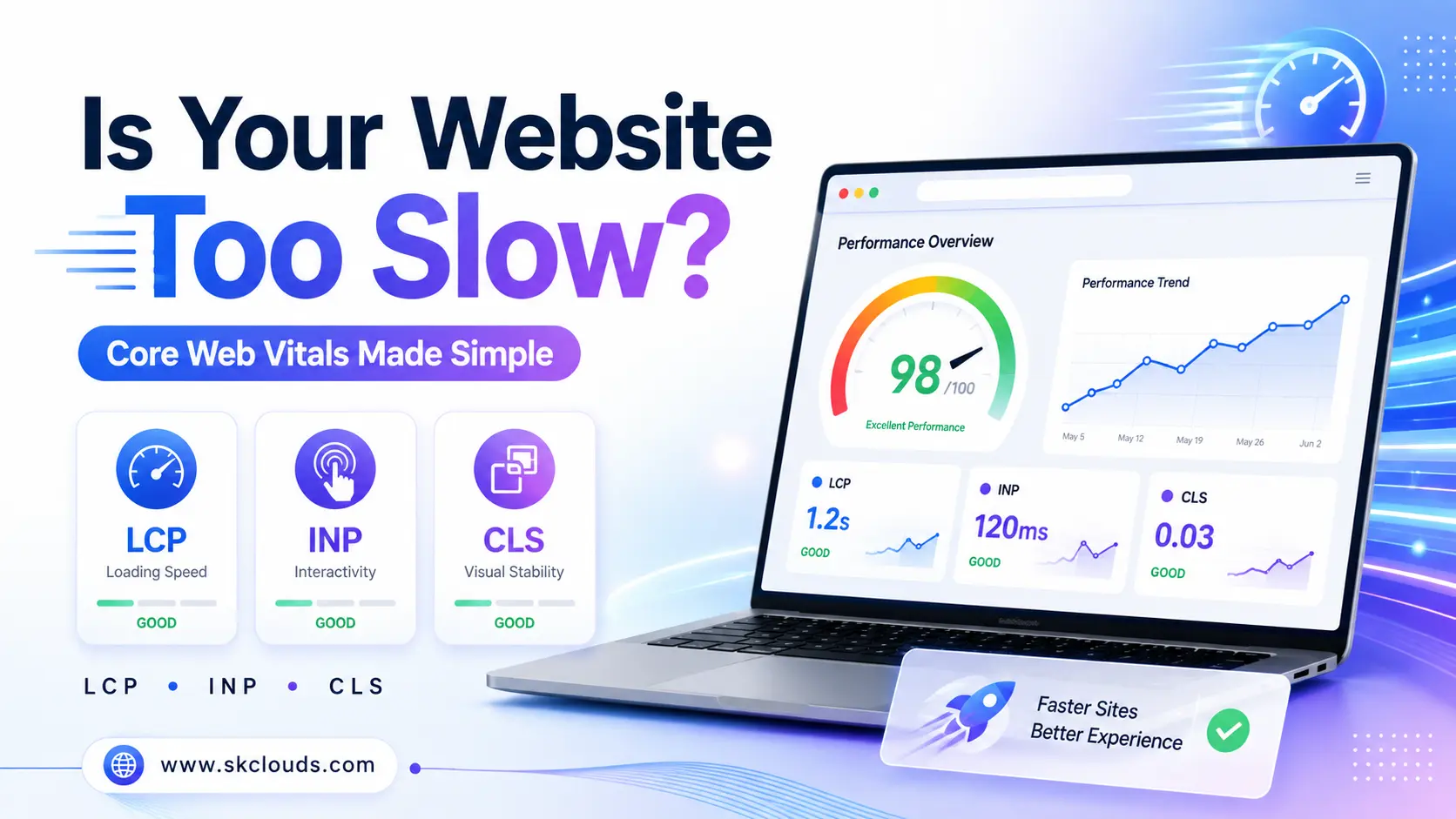
Core Web Vitals are a set of performance metrics introduced by Google to help website owners understand how visitors experience their websites in real-world conditions. They focus on three important areas: loading speed, responsiveness, and visual stability.
Understanding these metrics doesn’t require you to be a developer. In this guide, we’ll explain Core Web Vitals in simple terms and show you what you can do to improve them.
What Are Core Web Vitals?
Core Web Vitals measure how quickly and smoothly visitors can use your website.
The three current Core Web Vitals are:
- Largest Contentful Paint (LCP) – Loading performance
- Interaction to Next Paint (INP) – Responsiveness
- Cumulative Layout Shift (CLS) – Visual stability
Google recommends aiming for an LCP of 2.5 seconds or less, INP of 200 milliseconds or less, and CLS of 0.1 or less.
Let’s understand each one.
- Largest Contentful Paint (LCP): How Fast Does Your Main Content Load?
Largest Contentful Paint measures how long it takes for the largest important piece of content visible on the screen to appear.
This could be:
- A banner image
- A hero section
- A large heading
- A product image
- A prominent content block
What Is a Good LCP Score?
- Good: 2.5 seconds or less
- Needs improvement: Between 2.5 and 4 seconds
- Poor: More than 4 seconds
Imagine visiting an online store and waiting several seconds before the main product image appears. Even if the website eventually loads correctly, many visitors may lose patience.
What Causes Poor LCP?
Common reasons include:
- Large, unoptimized images
- Slow web hosting
- Too much JavaScript or CSS
- Slow server response
- Heavy themes or plugins
- Third-party scripts
- Poor caching configuration
How Can You Improve LCP?
Start by:
- Compressing and resizing images
- Using modern image formats such as WebP or AVIF
- Enabling browser and server caching
- Using a Content Delivery Network (CDN)
- Removing unnecessary scripts and plugins
- Improving server performance
- Choosing reliable website hosting
Fast hosting is especially important because your website cannot display content quickly if the server itself takes too long to respond.
- Interaction to Next Paint (INP): How Quickly Does Your Website Respond?
A website isn’t just something people look at—they interact with it.
Visitors click buttons, open menus, fill out forms, choose products, apply filters and interact with different elements.
Interaction to Next Paint (INP) measures how responsive your website feels when users perform these actions.
What Is a Good INP Score?
- Good: 200 milliseconds or less
- Needs improvement: More than 200ms and up to 500ms
- Poor: More than 500ms
For example, imagine clicking an “Add to Cart” button and nothing seems to happen for a noticeable moment. That delay creates uncertainty and makes the website feel slow.
What Causes Poor INP?
Common causes include:
- Excessive JavaScript
- Complex page scripts
- Heavy third-party tools
- Poorly optimized themes
- Too many plugins
- Long-running browser tasks
- Complicated interactive elements
How Can You Improve INP?
You can improve responsiveness by:
- Removing unnecessary JavaScript
- Reducing third-party scripts
- Breaking large tasks into smaller ones
- Optimizing website themes and plugins
- Loading non-critical scripts only when needed
- Simplifying complex page functionality
A responsive website makes visitors feel that every click immediately produces a result.
- Cumulative Layout Shift (CLS): Does Your Page Move Unexpectedly?
Have you ever tried to click a button on a website when suddenly an image or advertisement loaded and pushed the button somewhere else?
That’s exactly the type of problem Cumulative Layout Shift (CLS) measures.
CLS evaluates how visually stable your webpage remains while it loads.
What Is a Good CLS Score?
- Good: 0.1 or less
- Needs improvement: More than 0.1 and up to 0.25
- Poor: More than 0.25
What Causes Layout Shifts?
Some common causes are:
- Images without defined dimensions
- Advertisements loading unexpectedly
- Embedded videos or iframes without reserved space
- Web fonts loading late
- Dynamically inserted banners or content
Google’s web.dev guidance specifically identifies images, ads, embeds, dynamically inserted content and web fonts among common causes of poor CLS.
How Can You Improve CLS?
Website owners and developers can:
- Define the width and height of images
- Reserve space for advertisements and embedded content
- Optimize font loading
- Avoid inserting content above existing content
- Preload important website resources
The goal is simple: once visitors see something on the screen, it shouldn’t unexpectedly jump somewhere else.
Why Do Core Web Vitals Matter?
Core Web Vitals aren’t only technical numbers. They represent real experiences your visitors have while using your website.
Better User Experience
Fast and stable websites are easier and more enjoyable to use. Visitors can access information quickly and interact without unnecessary delays.
Better Engagement
When websites respond quickly, users are more likely to continue browsing instead of leaving due to frustration.
Improved Conversions
For an e-commerce website, service website or lead-generation landing page, poor performance can interrupt the customer’s journey.
Better performance can make it easier for users to:
- Complete purchases
- Submit enquiry forms
- Request quotations
- Make bookings
- Create accounts
- Explore products and services
Search Visibility
Google recommends that website owners achieve good Core Web Vitals as part of providing a strong overall page experience. However, Core Web Vitals should not be treated as the only factor determining search rankings; Google evaluates page experience and content using many different signals.
In other words, excellent content and excellent website performance should work together.
How Can You Check Your Core Web Vitals?
You don’t need expensive software to get started.
Google PageSpeed Insights
Enter the URL of a page and you’ll receive information about its performance, including Core Web Vitals when sufficient real-user data is available.
It can also highlight technical opportunities for improvement.
Google Search Console
The Core Web Vitals report in Google Search Console can help website owners identify groups of URLs experiencing performance problems.
Chrome DevTools and Lighthouse
Developers can use browser-based tools such as Lighthouse and Chrome DevTools for more detailed performance diagnostics.
Remember that results can differ between laboratory tests and real-user data. Checking both can provide a better understanding of your website’s performance.
Core Web Vitals at a Glance
| Metric | What It Measures | Good Score |
| LCP | Loading speed | ≤ 2.5 seconds |
| INP | Responsiveness | ≤ 200 milliseconds |
| CLS | Visual stability | ≤ 0.1 |
The recommended thresholds are generally evaluated at the 75th percentile of page visits, separately across mobile and desktop experiences.
Don’t Forget Mobile Performance
A website that performs well on a high-speed desktop connection may perform very differently on a smartphone.
Visitors may be using:
- Older mobile devices
- Slower mobile networks
- Limited bandwidth
- Different screen sizes
That’s why website performance should be tested across both desktop and mobile environments.
A responsive design alone doesn’t automatically mean a website is fast. Images, scripts, hosting performance and page structure all need to be optimized.
Hosting Can Affect Your Website’s Performance
Many website owners focus entirely on design when trying to improve website speed.
However, your hosting environment also plays an important role.
If your server responds slowly, even a well-designed website can struggle to deliver content quickly.
Reliable hosting can provide benefits such as:
- Faster server response
- Better resource availability
- Improved uptime
- Effective caching
- Scalability during traffic spikes
- Better overall website reliability
As your website grows, your hosting requirements may also change. A hosting plan that worked when your website had a few hundred visitors may not remain suitable when traffic, products, plugins or functionality increase significantly.
A Simple Core Web Vitals Checklist
If you’re a website owner, start with these basic improvements:
- Compress large website images.
- Remove unnecessary plugins and scripts.
- Keep your CMS, themes and plugins updated.
- Use caching effectively.
- Consider using a CDN.
- Reserve space for images and advertisements.
- Reduce unnecessary JavaScript.
- Test important pages on mobile devices.
- Regularly check PageSpeed Insights and Search Console.
- Choose hosting that can comfortably handle your website’s requirements.
You don’t necessarily need a perfect performance score. The goal should be to identify the issues that have the greatest impact on your visitors and improve them systematically.
Final Thoughts
Core Web Vitals may sound highly technical, but the idea behind them is simple:
Your website should load quickly, respond quickly and remain visually stable.
LCP tells you how quickly important content appears. INP tells you how responsive the page is when visitors interact with it. CLS tells you whether the page remains visually stable.
Improving these areas can create a smoother experience for visitors while supporting your website’s broader SEO, engagement and conversion goals.
Website performance should not be treated as a one-time task. As you add new pages, images, plugins, scripts and functionality, performance can gradually change. Regular monitoring helps ensure your website continues delivering the experience your visitors expect.
Build a Faster, More Reliable Website with SK Clouds
Your website’s performance starts with the right infrastructure.
At SK Clouds, we help businesses build a reliable foundation for websites that need speed, stability and room to grow.
Whether you’re launching a new website or looking to improve the performance of an existing one, choosing the right hosting environment can make a meaningful difference.
Visit www.skclouds.com to explore web solutions built for growing businesses.
